
Step 1: Registration
1. Follow the link https://aff.cinazescard.com/click?campaign_id=260&ref_id=1 and open the bot.
2. Click the “Start” button.
Congratulations! You now have a Cinazes account

Step 2: Top Up Your Wallet
1. Click the “Open Card Menu” button.
2. Select “Wallet”.
3. Copy the address.
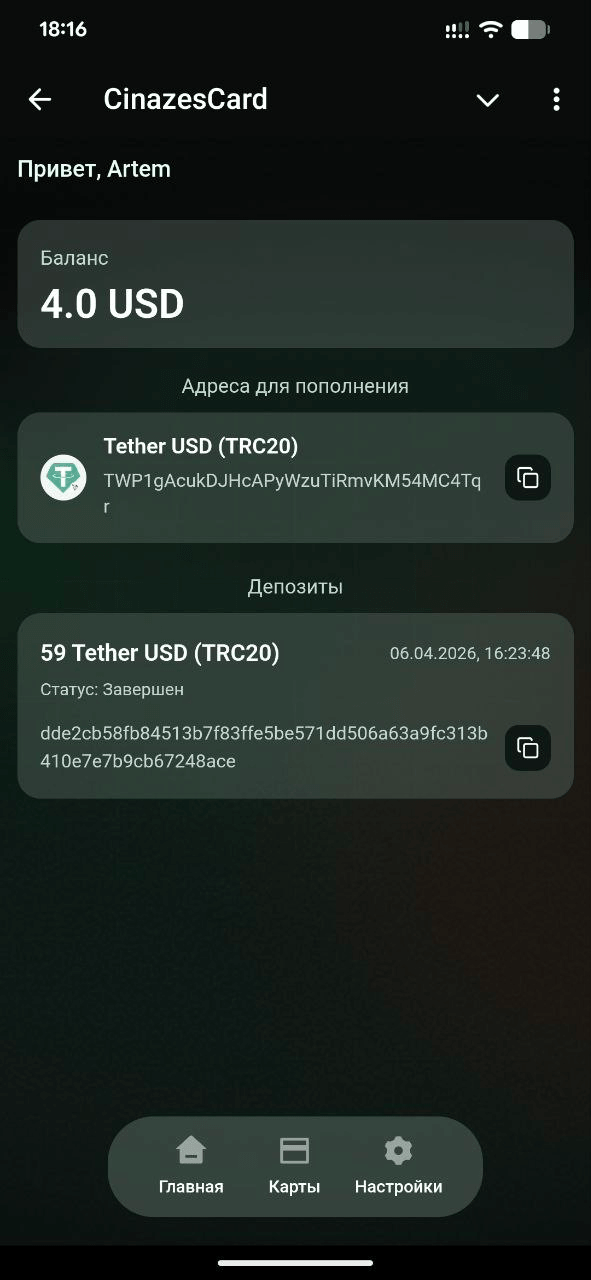
4. Transfer funds from another wallet to this address.
Step 3: Card Types
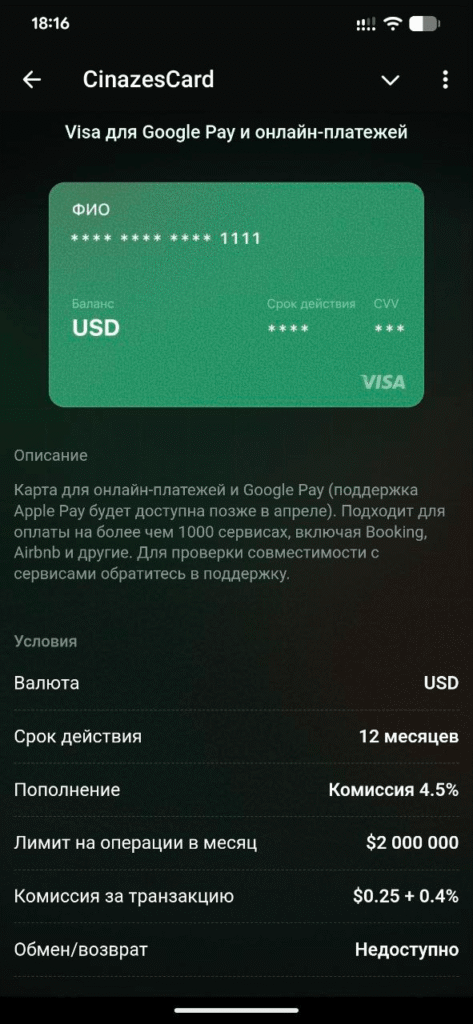
1. Visa for Google Pay and Online Payments
Card for online payments and Google Pay (Apple Pay support coming later in April). Compatible with over 1,000 services including Booking, Airbnb, and others. Contact support to verify compatibility with specific services.
Terms: USD, 12-month validity, top-up fee 4.5%, monthly transaction limit $2,000,000, transaction fee $0.25 + 0.4%, exchange/refund not available.
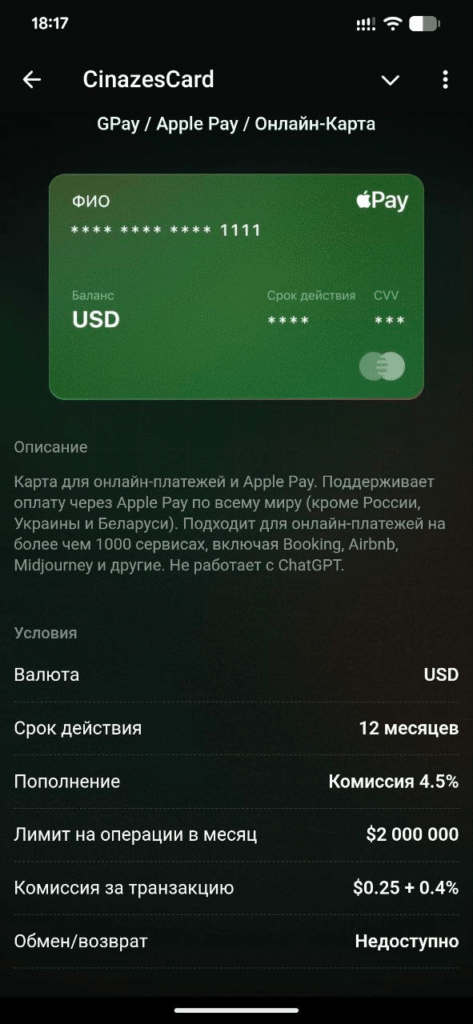
2. GPay / Apple Pay / Online Card
Card for online payments and Apple Pay. Supports Apple Pay worldwide (except Russia, Ukraine, and Belarus). Compatible with over 1,000 services including Booking, Airbnb, Midjourney, and others. Does not work with ChatGPT.
Terms: USD, 12-month validity, top-up fee 4.5%, monthly transaction limit $2,000,000, transaction fee $0.25 + 0.4%, exchange/refund not available.
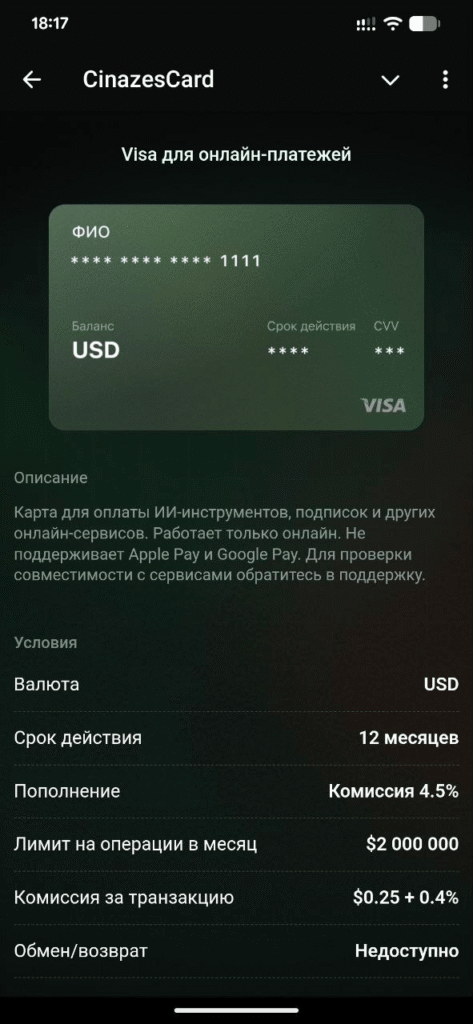
3. Visa for Online Payments
Card for paying AI tools, subscriptions, and other online services. Works online only. Does not support Apple Pay or Google Pay. Contact support to verify compatibility with specific services.
Terms: USD, 12-month validity, top-up fee 4.5%, monthly transaction limit $2,000,000, transaction fee $0.25 + 0.4%, exchange/refund not available.
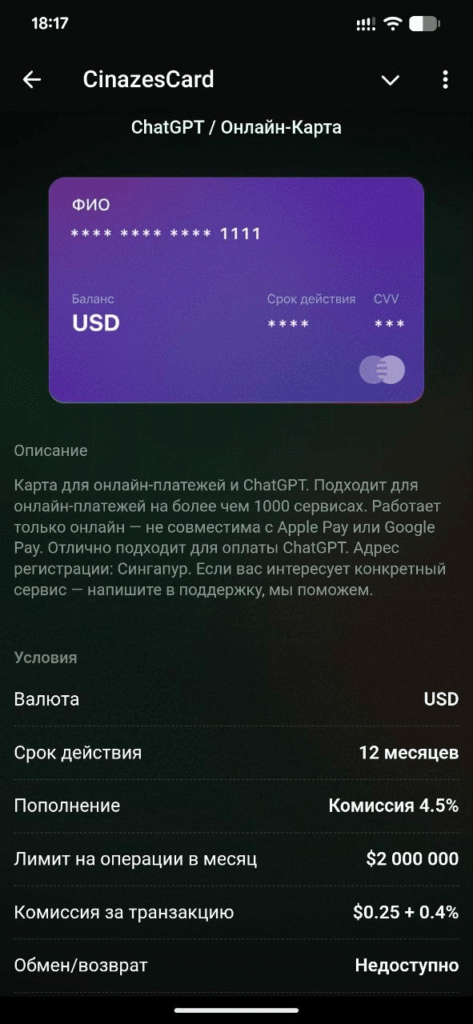
4. ChatGPT / Online Card
Card for online payments and ChatGPT. Compatible with over 1,000 services. Works online only — not compatible with Apple Pay or Google Pay. Ideal for paying ChatGPT. Registration address: Singapore.
Terms: USD, 12-month validity, top-up fee 4.5%, monthly transaction limit $2,000,000, transaction fee $0.25 + 0.4%, exchange/refund not available.
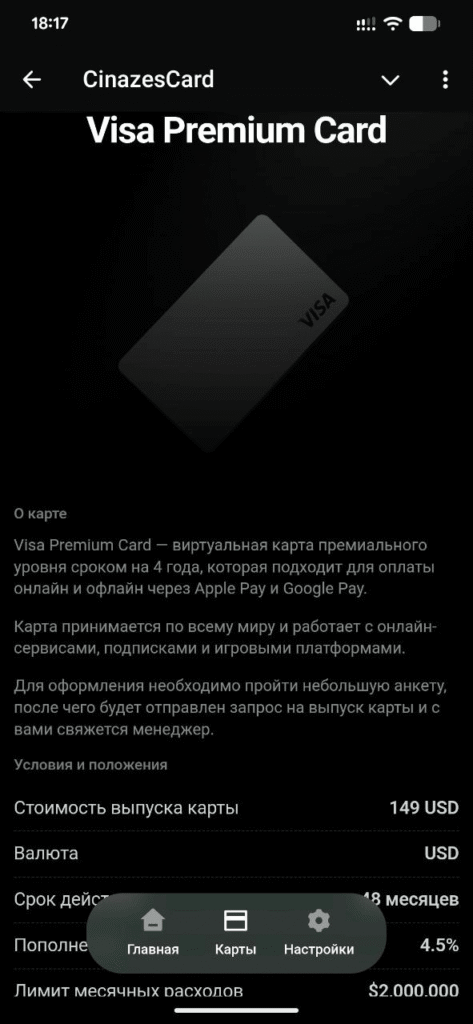
5. Visa Premium Card
A premium-level virtual card valid for 4 years (48 months). Works for online and offline payments via Apple Pay and Google Pay. Accepted worldwide, compatible with online services, subscriptions, and gaming platforms. To apply, fill out a questionnaire and a manager will contact you.
Terms: card issuance fee $149 USD, currency USD, 48-month validity, top-up fee 4.5%, monthly spending limit $2,000,000.
If you are interested in a specific service — contact support to confirm compatibility.
Step 4: Creating and Funding Your Card
1. Select the card you want and click “Create Card”
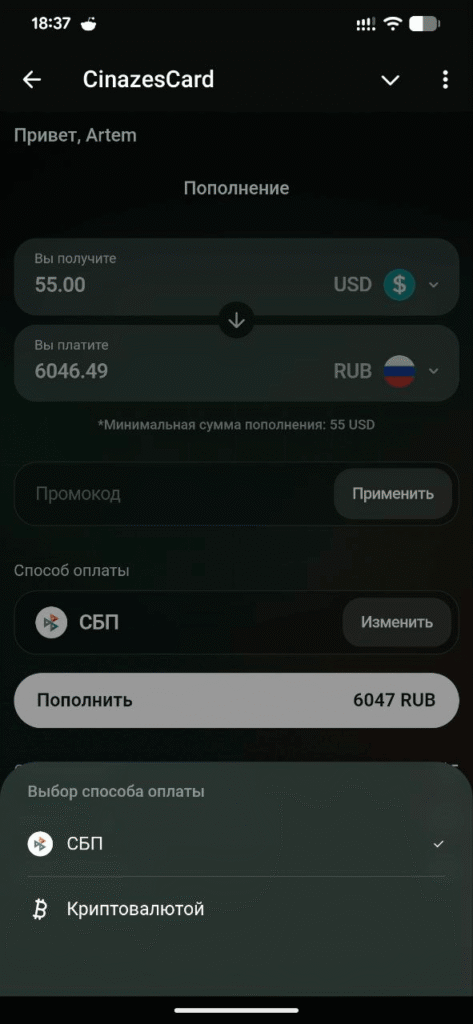
2. Choose your preferred payment method (bank transfer or crypto), confirm and pay for the card
Important Notes
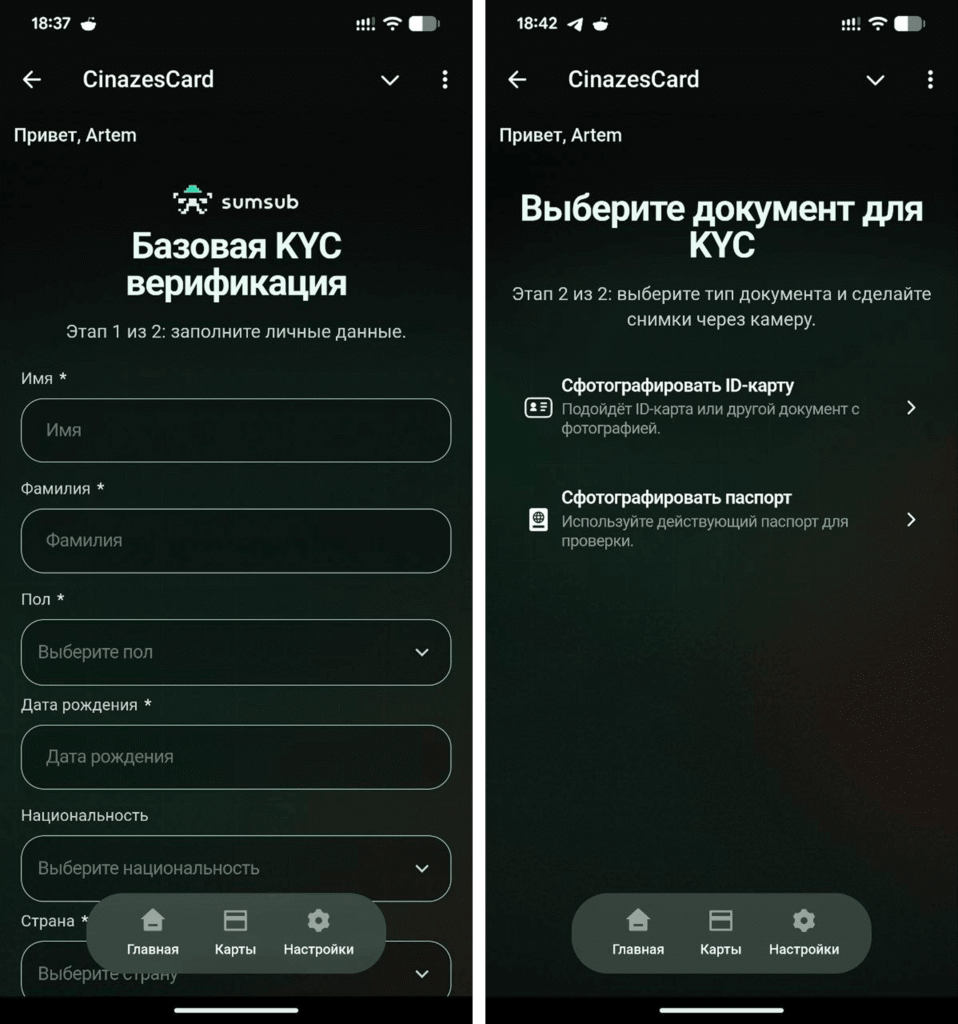
Verification will be required when creating a card.
The card is created automatically after a successful top-up.
Your card details will appear in your account after the process is complete.
If you have any questions or need help with a specific service, contact Cinazes support